
New Zion POS
Challenge
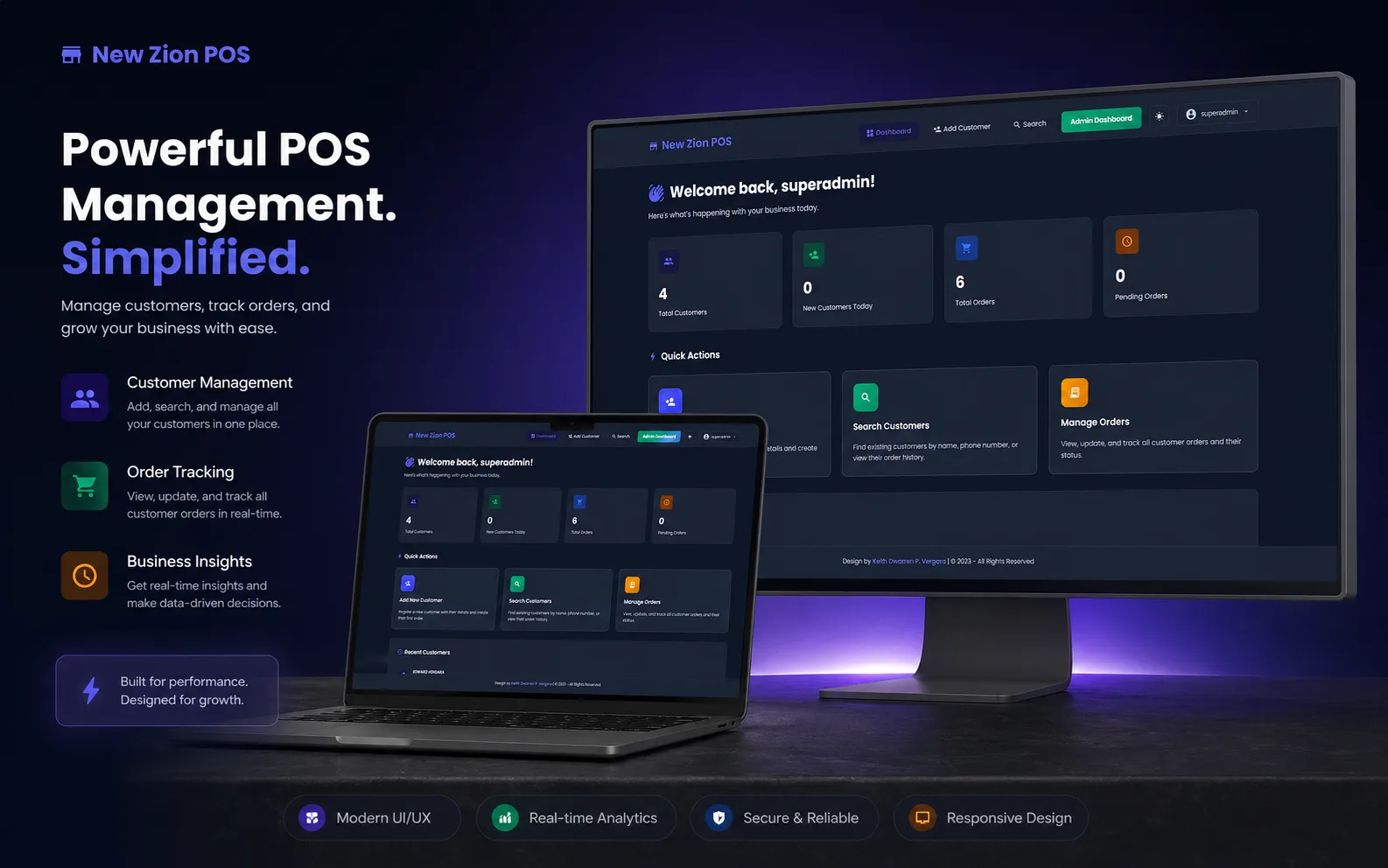
New Zion ran on phone calls, paper logs, and a separate spreadsheet per branch. Cashiers couldn't see another branch's stock or a customer's prior orders, sales totals had to be reconciled by hand at the end of each day, and the SMS-based ordering line wasn't connected to anything.
Solution
- A cashier-friendly POS with a single 'Create Order' flow that pulls existing customer info, lets staff pick products, branch, and cashier, and writes the sale straight to the database.
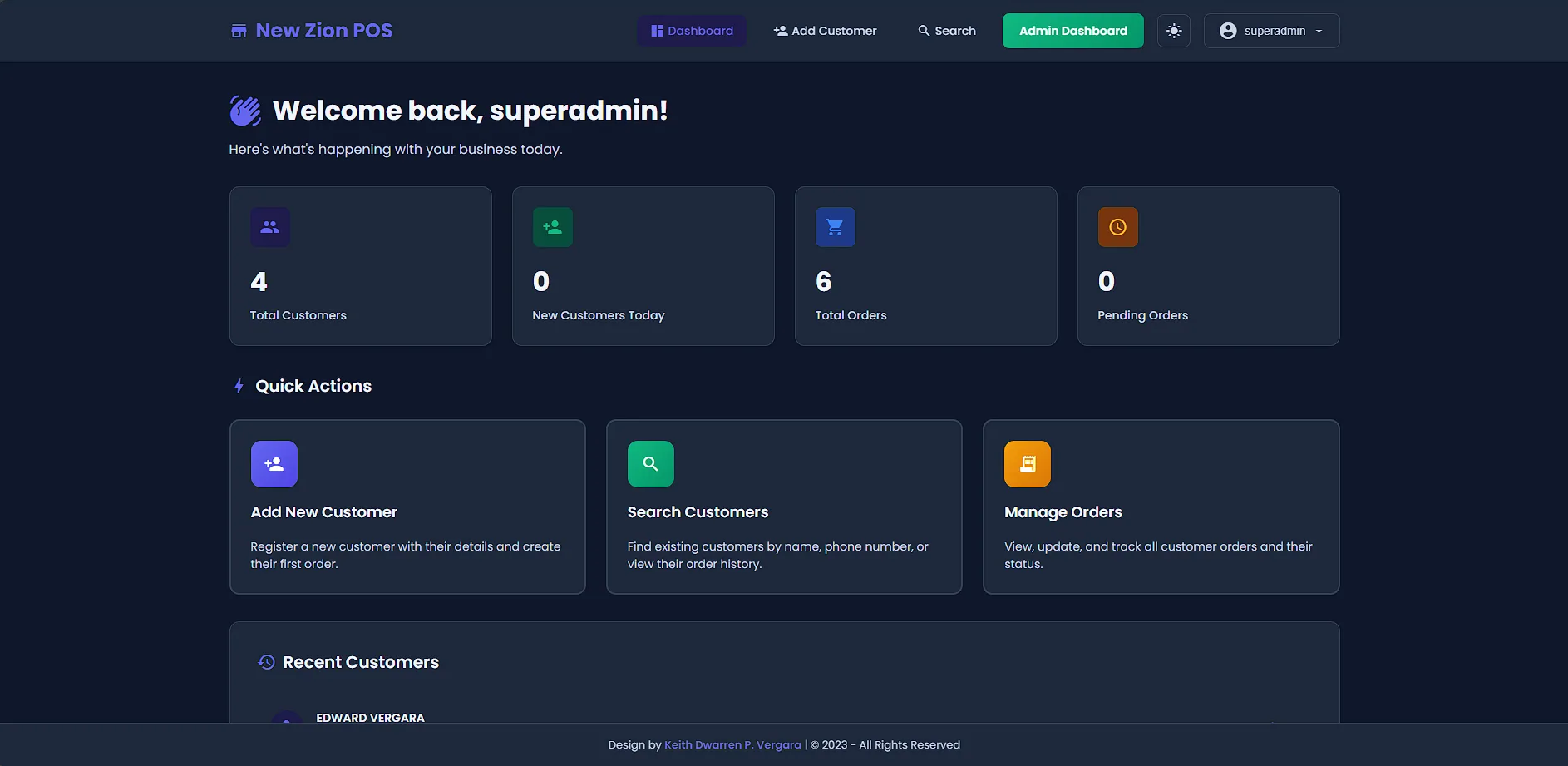
- An admin panel covering customers, products with pricing history, branches, and role-based users (superadmin, admin, user).
- An order management view with status filters (Pending, Delivered, Cancelled) so phone-in, walk-in, and SMS orders all live in one queue.
- A sales report with a date-range filter, totals, average order value, and one-click PDF export for the owners.
- An SMS intake bridge so orders that come in over text appear in the same queue as everything else.
Result
Three branches now share one workflow and one source of truth. Cashiers onboard in minutes instead of days, daily reconciliation is a button click, and the owner can pull a sales report for any date range without asking anyone.
KDV project note
The New Z1on LPG team moved phone and walk-in orders into one cleaner workflow, giving staff one screen for orders instead of scattered notes.
Want a deeper walkthrough? I’m happy to share more on a call, including screens, the stack decisions, and what we’d do differently.
A walkthrough of the screens that ship every day.
Tap any screen to zoomYour next step
Let’s build a better way to run your business.
Share your idea, the problem you want to solve, or what needs improving. I read every message and reply within 1 business day (PH time).
Start a project